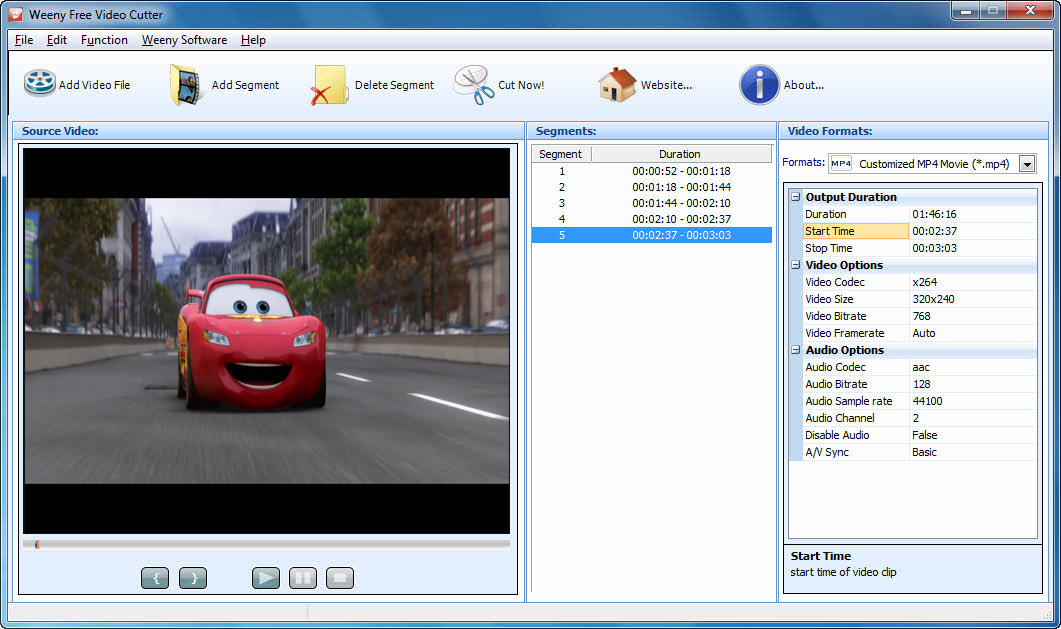
Free video cutter tool to cut video files into small pieces.
Free Video Cutter is a free video cutter software to cut video file into small pieces. With this wonderful program, you can cut loaded videos to output the needed parts without trailer or advertisements.
How to use:
Right after finishing the installation process, select START -> Programs -> Weeny Free Video Cutter -> Weeny Free Video Cutter to run.
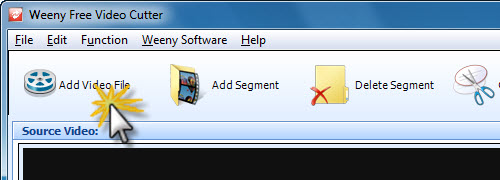
1. Click on Add Video Files button. Browse to folder on your hard drive that contains video files. Choose any file you want to cut and select open.
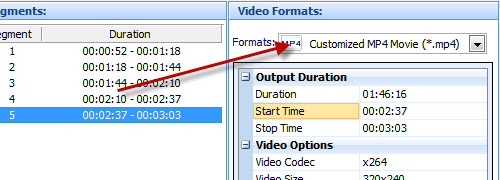
2. Select your video output format, codec, size etc.
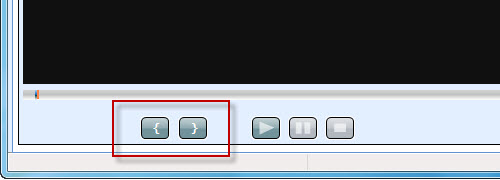
3. Drag and drop the position bar, Click on { button to set video start point. Click on } button to set video end point.
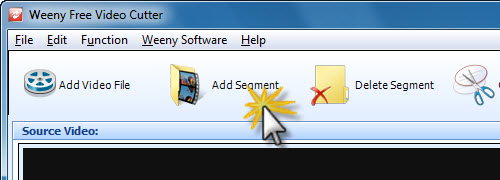
4. Click Add Segment button to add a new segment. Do step 3 to set new video start point and end point.
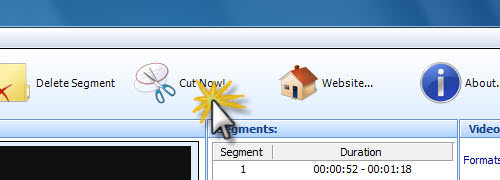
5. Click Cut Now! button to start cutting.