Free Audio Cutter Download
Free Audio Cutter is a free software to cut audio file into small pieces or merge audio files into one large file.
How to Merge Audio Files:
After downloading and installing Weeny Free Audio Cutter, select START -> Programs -> Weeny Free Audio Cutter -> Weeny Free Audio Cutter to run.
- Add Source Audio Files
1. Click Add button
2. Browse to folder on your hard drive that contains audio files (*.MP3, *.OGG, *.WAV, *.WMA).
3. Select the audio files. For example: "C:\MP3\sample.mp3".
4. Click Open button. Weeny Free Audio Cutter will display file information like title, artist, album if the audio file is valid.
5. Repeat doing step 1-4 to add more audio files. - Set Output Audio Parameters
Input audio Title, Genre, Artist, Year, Track, Album, Comment, File Format, File Name, Target Folder information. - Start to Merge Audio Files
Click Merge Now! button to start to merge audio files.
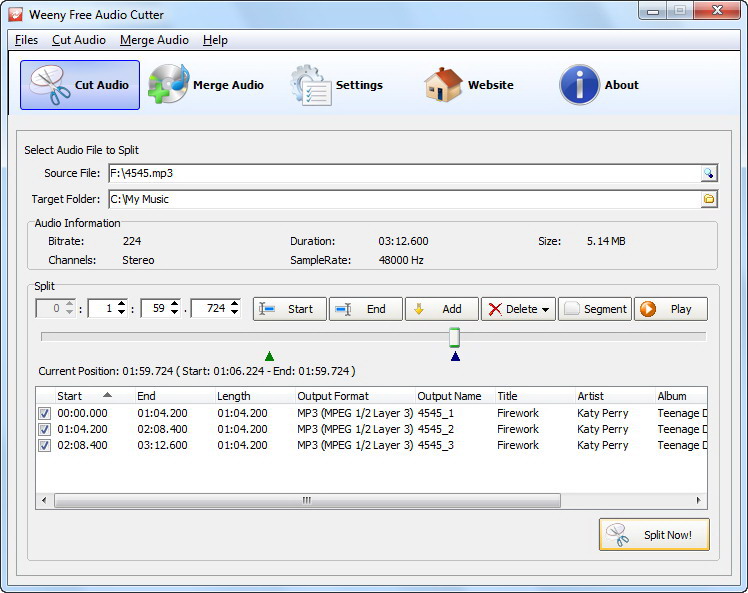
Screenshot:
Sponsored Links
Software Lists